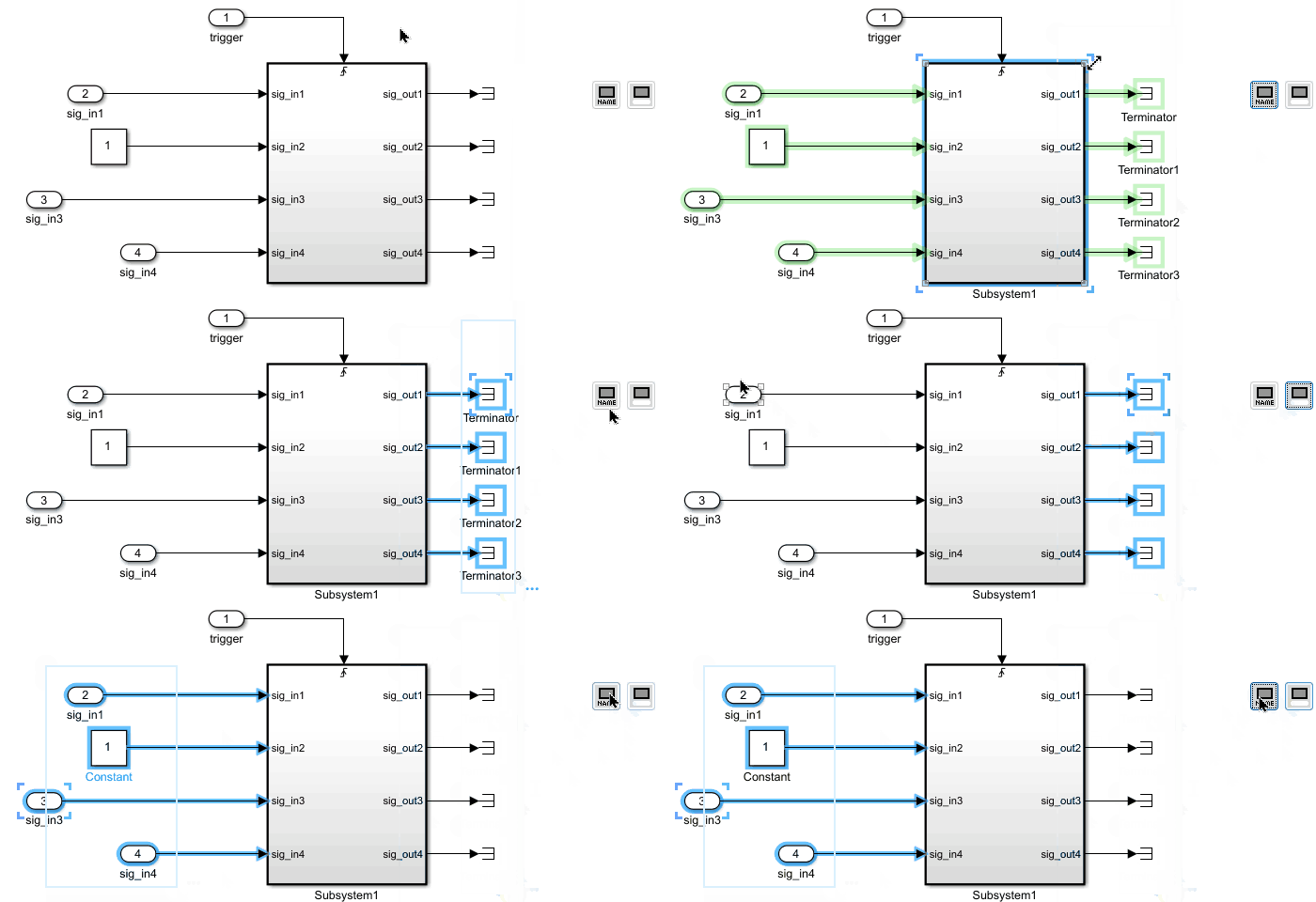
Tool Panel - General Block Manipulations
The functions in this section apply to all selected blocks.
Align Connected Blocks

This function identifies all blocks connected to the selected
blocks. For each port, it automatically moves the connected
block vertically so that the connecting line becomes
straight.
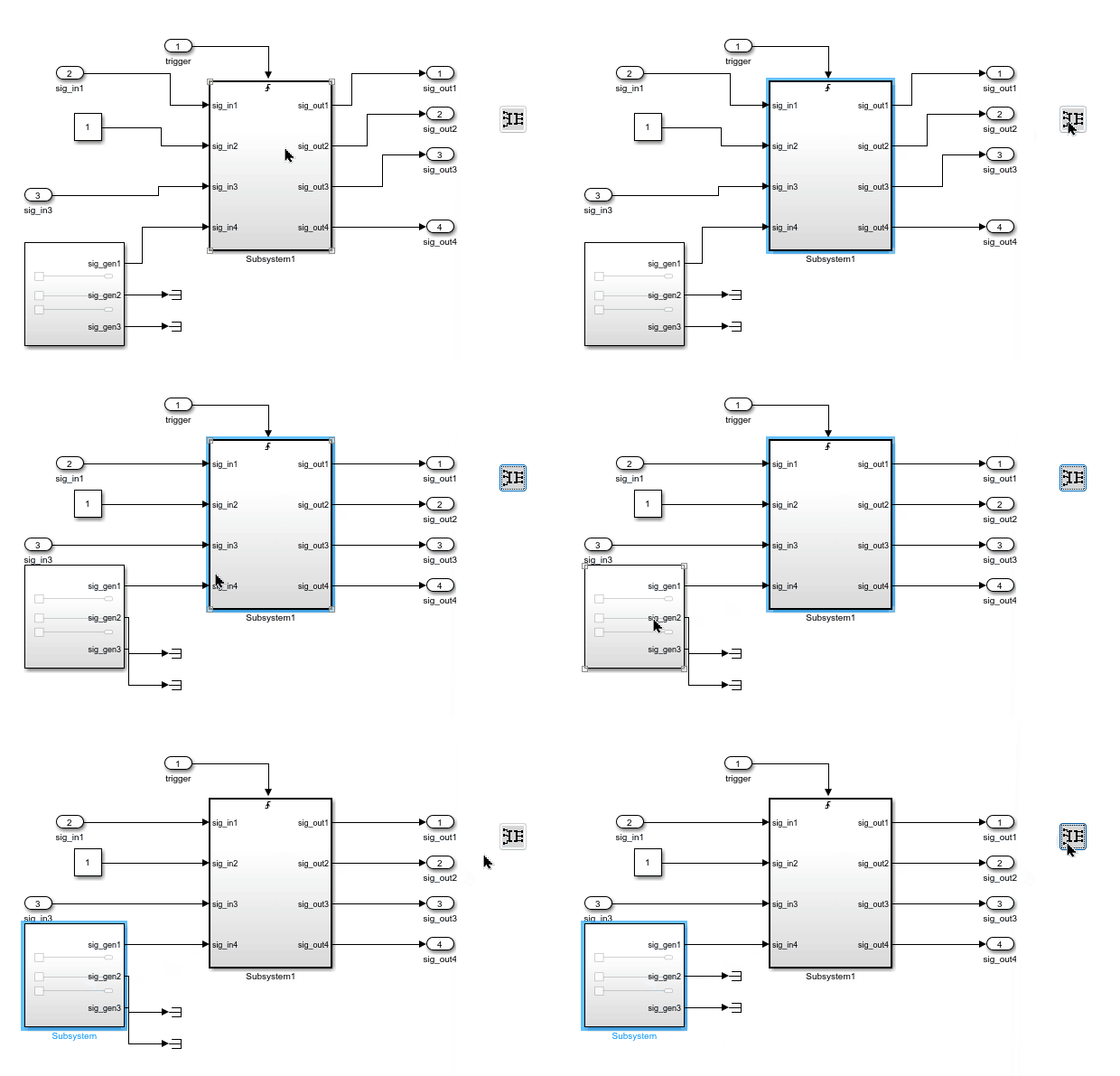
You can select multiple blocks, and the alignment will be
applied to all of them.
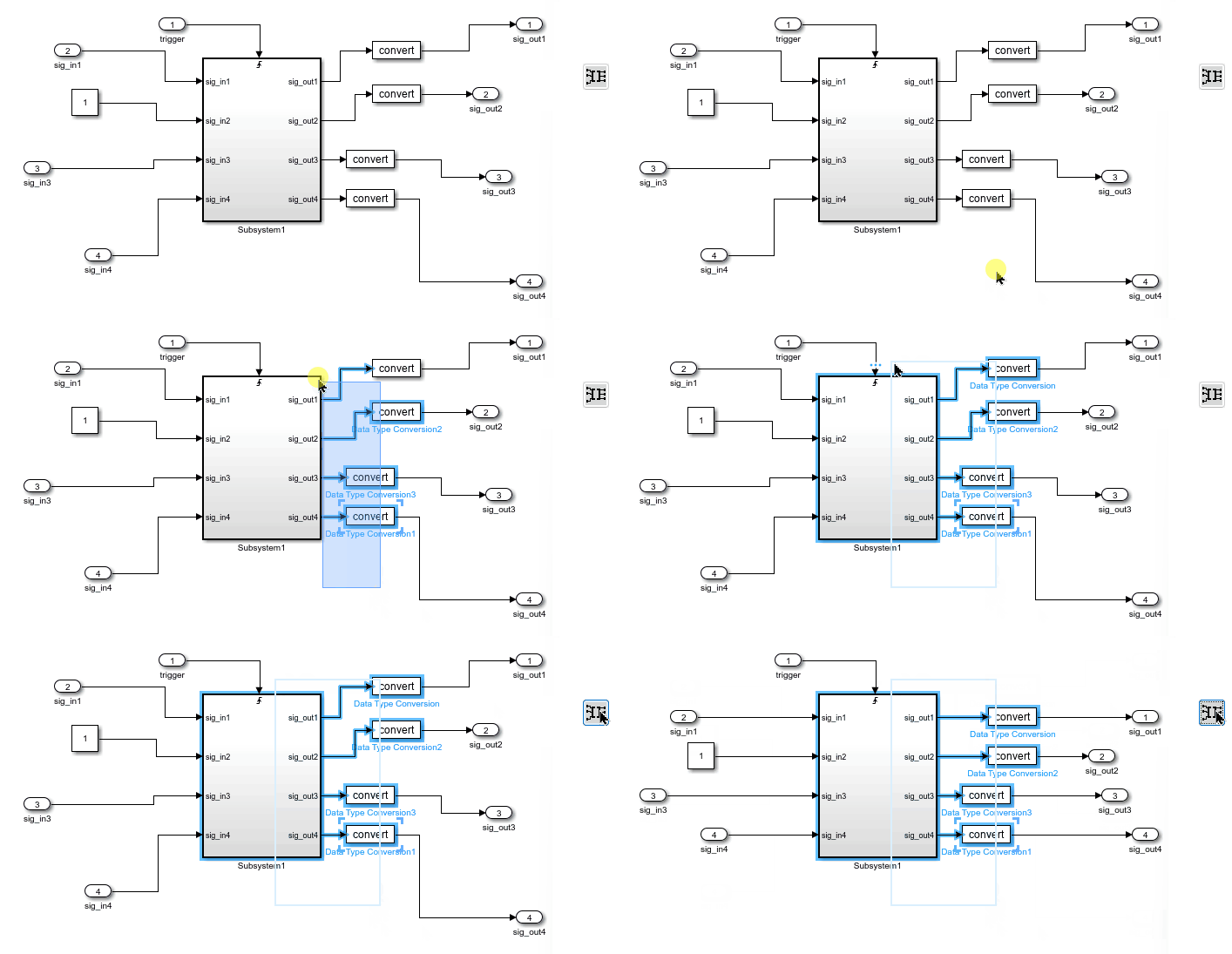
Adjust Height & Vertical Position for Selected Blocks

Adjusts the height and vertical position of the selected blocks
to match their connected blocks based on output lines.

Adjusts the height and vertical position of the selected blocks
to match their connected blocks based on input lines.
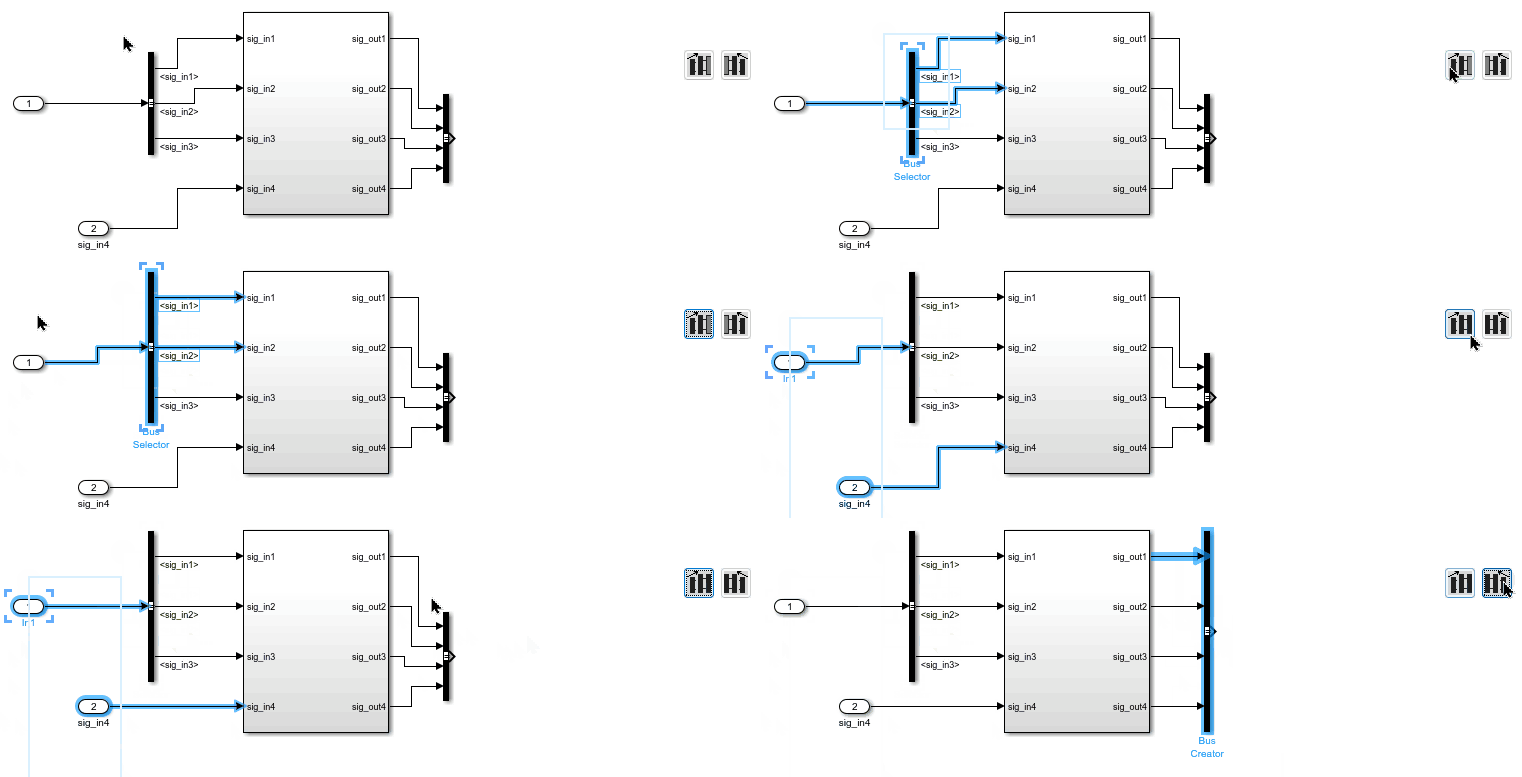
Show and Hide Block Names

Shows the names of the selected blocks.

Hides the names of the selected blocks.